Leo Wang

About
Experiences
Skills
School
NAS Network Attached Storage
Feb 2024 - Mar 2024



Software that supports file sharing often comes with latency issues and tedious authentication and complicated navigation. In my family, we don’t need fancy online editing features, we just want to share and access our pictures and videos as quickly and easily as possible. And that’s why I decided to build a NAS.
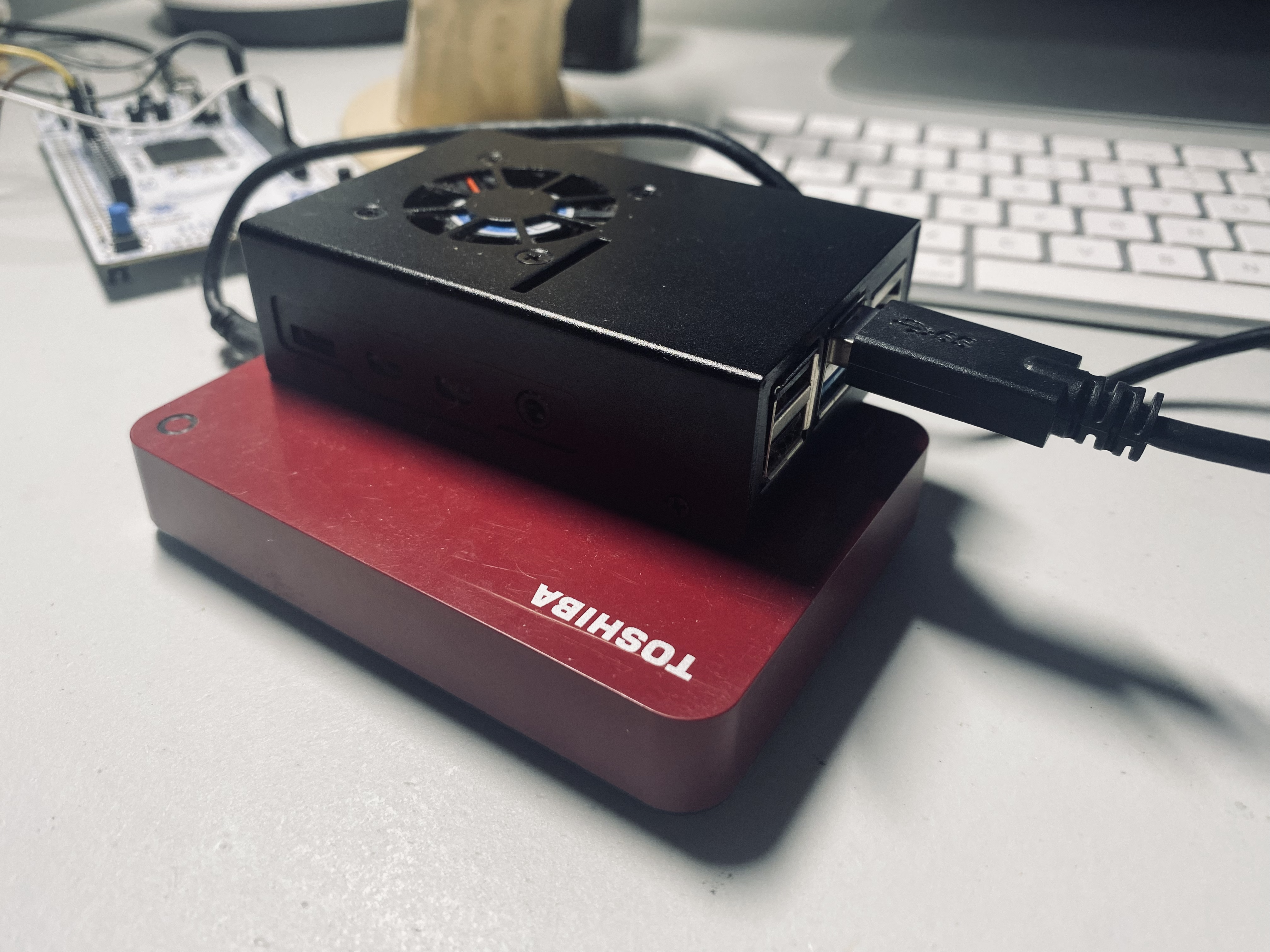
This NAS is built with a Raspberry Pi 4B and a 2TB Toshiba hard drive. This device reduces the upload time of a 50 MB file across the room from over 40 seconds using Google Drive to less than 1 second. Additionally, I no longer need to log in every time, the network storage sits on my Mac like a regular folder, and all I have to do is just drag and drop files.
- Hardware: Raspberry Pi 4B, 2TB Toshiba HDD
- OS: Pi OS Lite, OpenMediaVault
- Shell & Language: Zsh, Python
- Protocols & Tools: SMB, SSH, SMTP, VPN
I chose Pi OS Lite for the NAS because the package I used called OpenMediaVault doesn’t integrate well with desktop environments like Pi OS Full. The next step was navigating the system. Without a desktop interface, I had to do everything through the command line using Zsh. It took some time to get used to, but after that it was pretty fun.
I didn’t configure port forwarding because I was told it was unsafe plus I didn’t think I was going to access the files from outside the house. Instead, I assigned a static LAN IP to the board.
NAS was soon up and running. Then I remote accessed the board and installed OpenMediaVault to monitor storage, network traffic and system logs. My drive used a HFS+ file system which caused compatibility issues, so I reformatted it to EXT4. I also ended up skipping RAID configuration for simplicity.
Once you install OMV, it overrides a lot of the default functionalities of the Pi, and it took me some time to realize this and re-enable access from inside OMV. With the drive finally mounted to OMV and email alerts enabled using SMTP, the NAS was complete. Later on, I added VPN so I could securely access files from outside the house.